
Nov 18, 2026 - From an Image to Production-Ready 3D: Introducing Studio3D, Our Local 3D App
Generate a 3D model from a photo or illustration, then split it into parts, retopologize, unwrap UVs, set materials and lighting, and export. Studio3D does all eight stages in one app, entirely on your own PC.
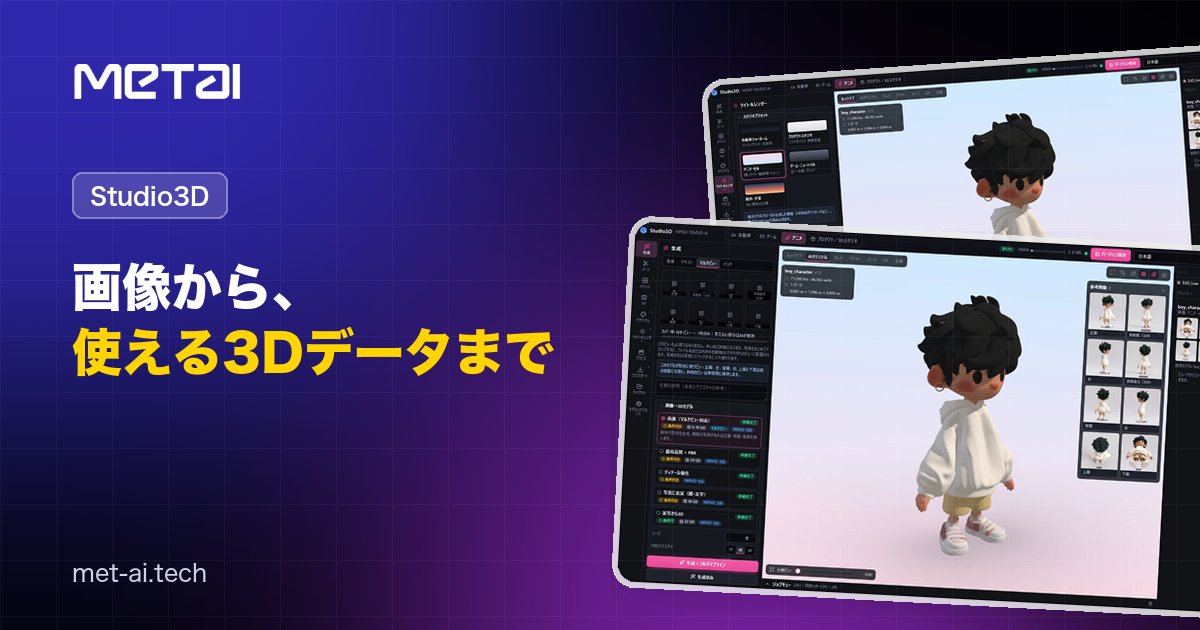
More and more AI tools can turn an image into a 3D model. But a freshly generated model has a very high polygon count and is not split into parts, so it is often hard to use as it is in games, video or product review.
MetAI’s Studio3D is a 3D production app that goes beyond generation: splitting into parts, retopology, UVs, materials, lighting and export, all in one app. Everything runs on your own PC.
Download the feature guide (PDF, in Japanese)
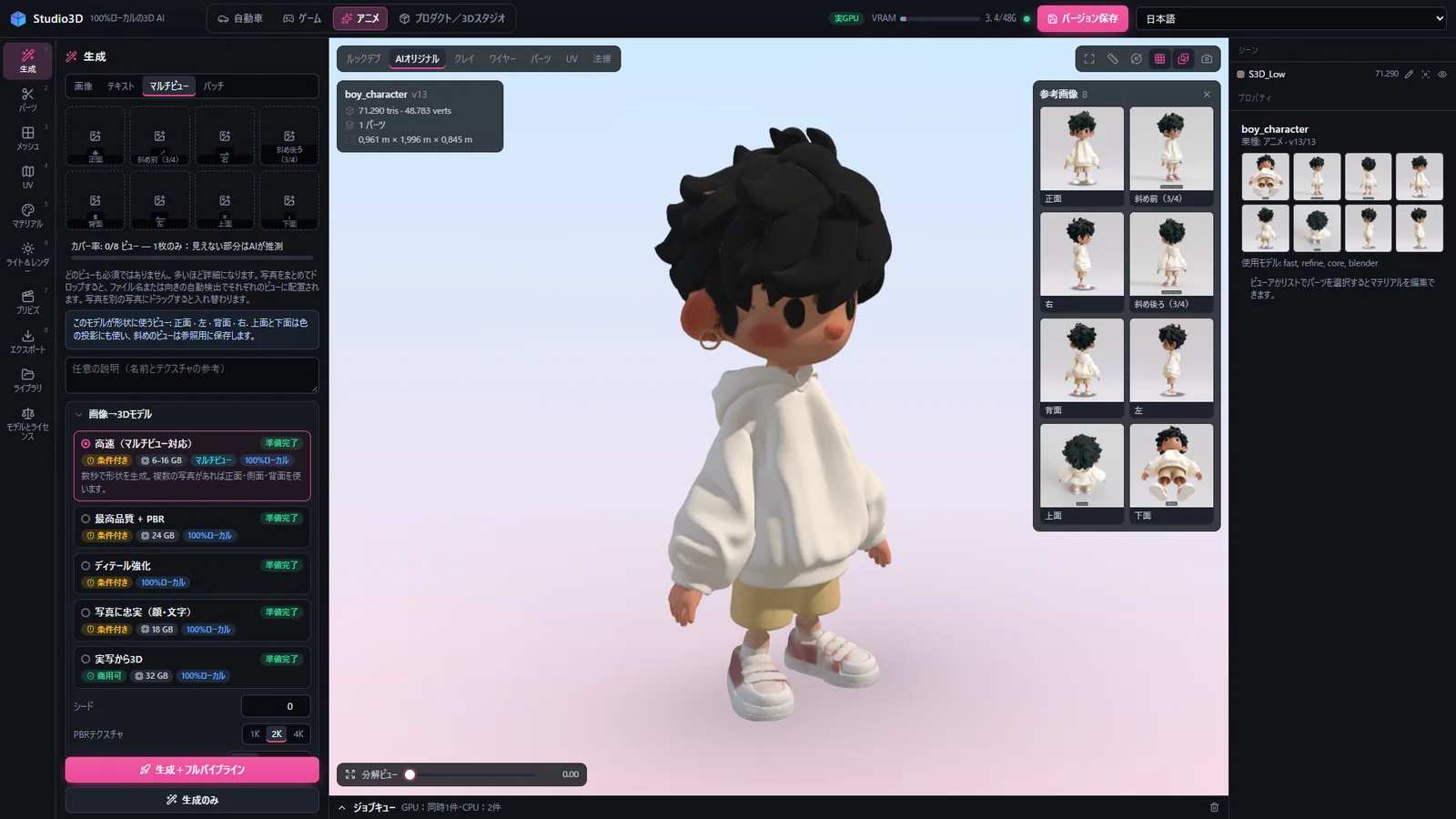
The whole 3D pipeline on one screen
- 100% local: neither models nor photos are sent outside your company, so unreleased designs are safe.
- No API fees: there is no pay-per-use. Generate as many times as you like at the same cost.
- One continuous workflow: from generation to export without switching tools.
- Go back any time: each operation is saved as a new version.
Eight stages, in order
- Generate: drop a photo, pick a model and press a button. One photo is enough; with up to eight views, the sides and back come out more accurate.
- Parts: type part names such as hair, face, shoe and the mesh is split. Automatic splitting by AI is also available.
- Mesh: rebuild with quads and bake color, roughness and normals at 4K. LODs and real-world scale are set in the same panel.
- UV: unwrap with the method, resolution and texel density you choose, and check with a checker view.
- Materials: select a part and pick a preset: about 30 in seven categories.
- Light & render: choose a studio preset and output stills, turntable videos and final renders.
- Previs: set the camera work and export color + depth image sequences and the camera path.
- Export: Unreal Engine, Unity, Godot, Web (three.js), USD, AR (USDZ), 3D printing (STL) and OBJ. Models go to and from Blender directly through an add-on.
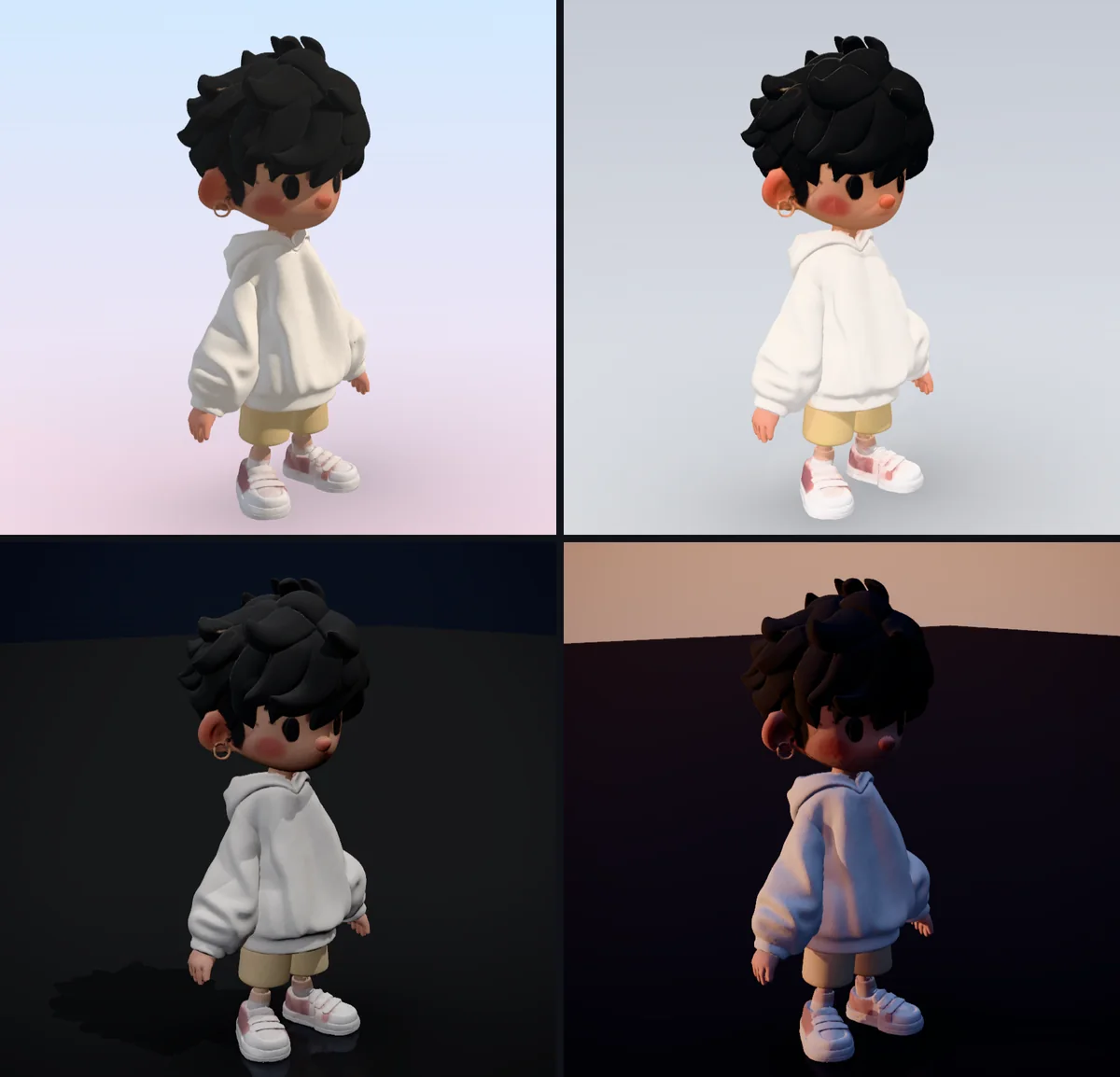
About one tenth of the polygons, the same look
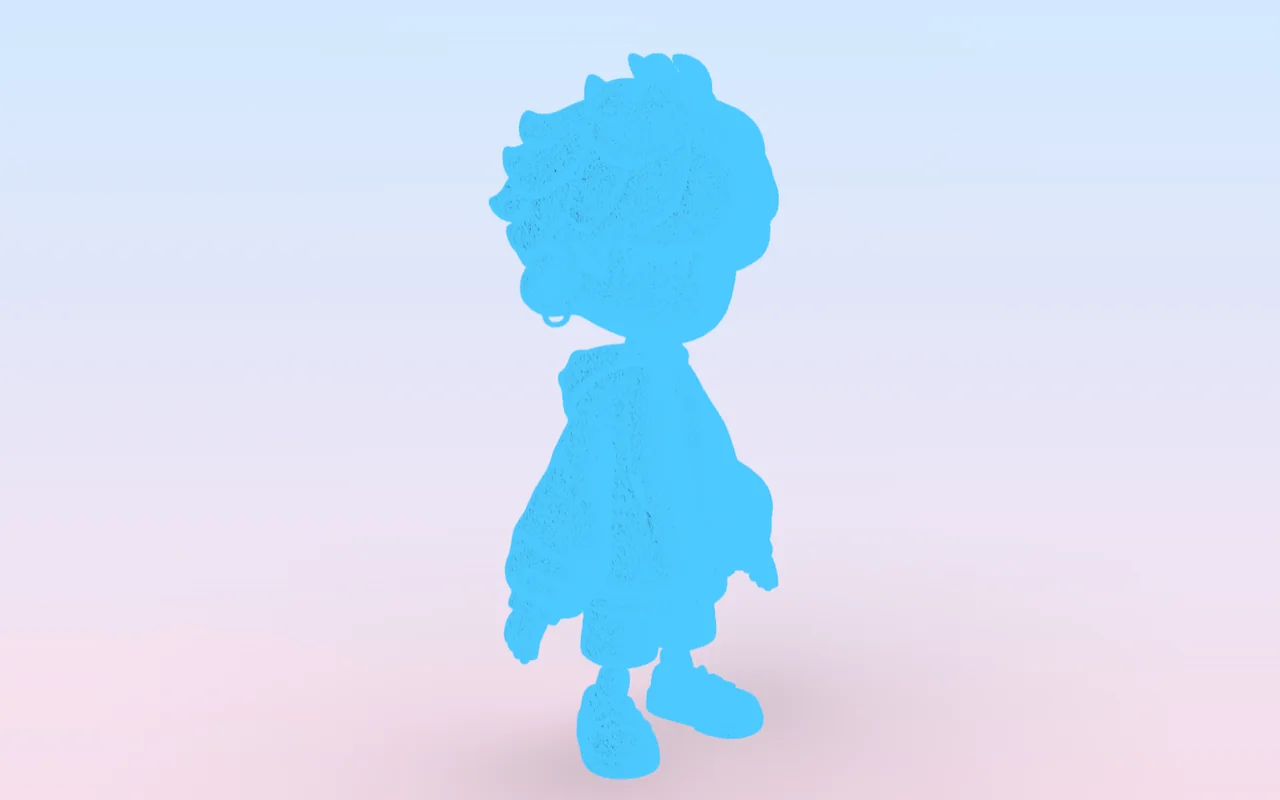
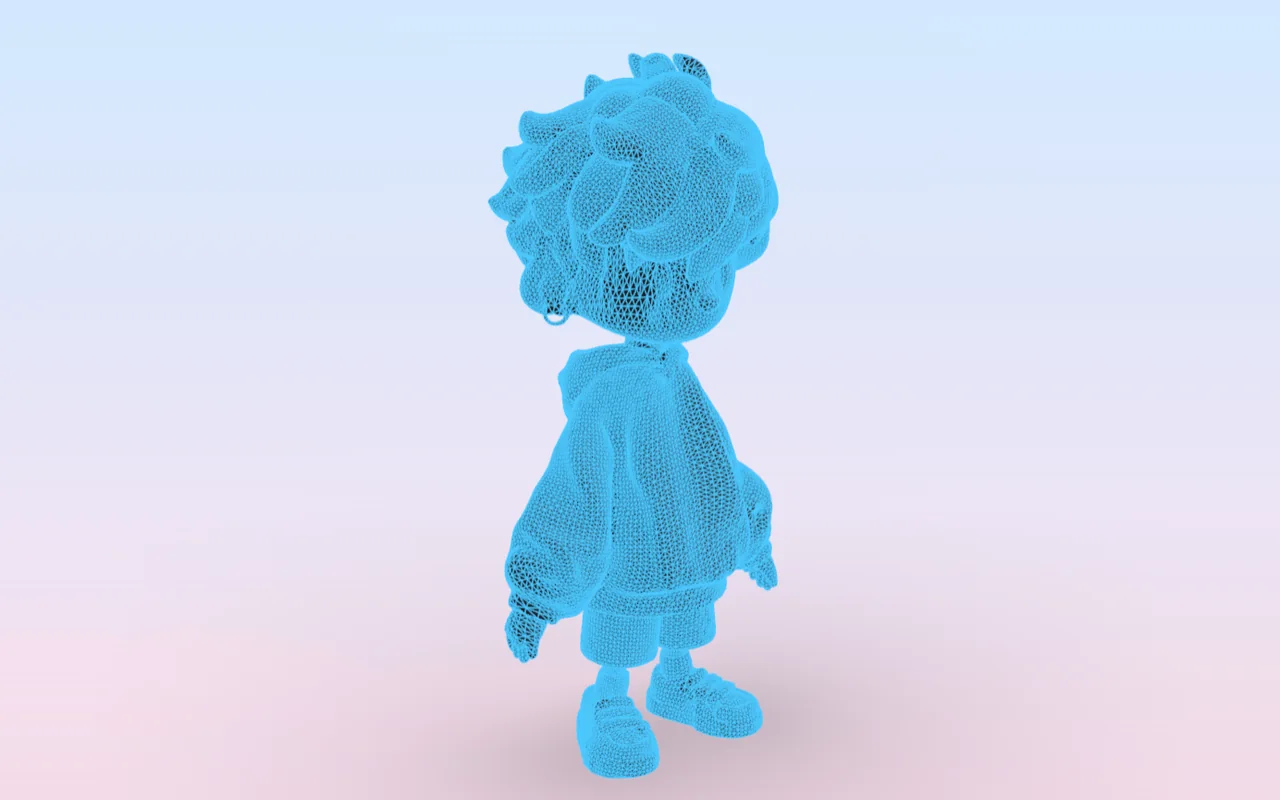
In retopology, the triangle count went from 699,999 to 71,290. The model is rebuilt with 35,645 quads and the original surface is baked at 4K, so it looks almost the same.
Four presets, one per industry
Automotive, games, anime, and product / 3D studio. Units, lighting and default materials switch to suit each field.
Deployment and services
- License: we install Studio3D on your PCs or servers. Choose between a subscription and a one-time purchase.
- On-site installation and training: from setup to hands-on training.
- 3D production on request: send us photos or illustrations and we deliver 3D data with retopology, UVs and textures done.
A PC with an NVIDIA GPU is required; depending on the generation model, 6–32 GB of VRAM is a guide. We can advise on the configuration.
Download the feature guide (PDF, in Japanese)
For a demo or a proof of concept, get in touch.
Figures were measured on a machine with an NVIDIA RTX 6000 Ada (48 GB). Results vary with the input image and settings.