
Try the next uses of local AI before anyone else.
15 new services from MetAI’s R&D — for PR, events, camera AI, video, manga and 3D, all running locally. You can try several of them right on this page.

All 15 new services at a glance.
Pick one to jump to its full description and demo.

AI reviews your press release before it goes out — what to fix and why.
Details ↓
Hand over your draft and AI submits it to PR TIMES.
Details ↓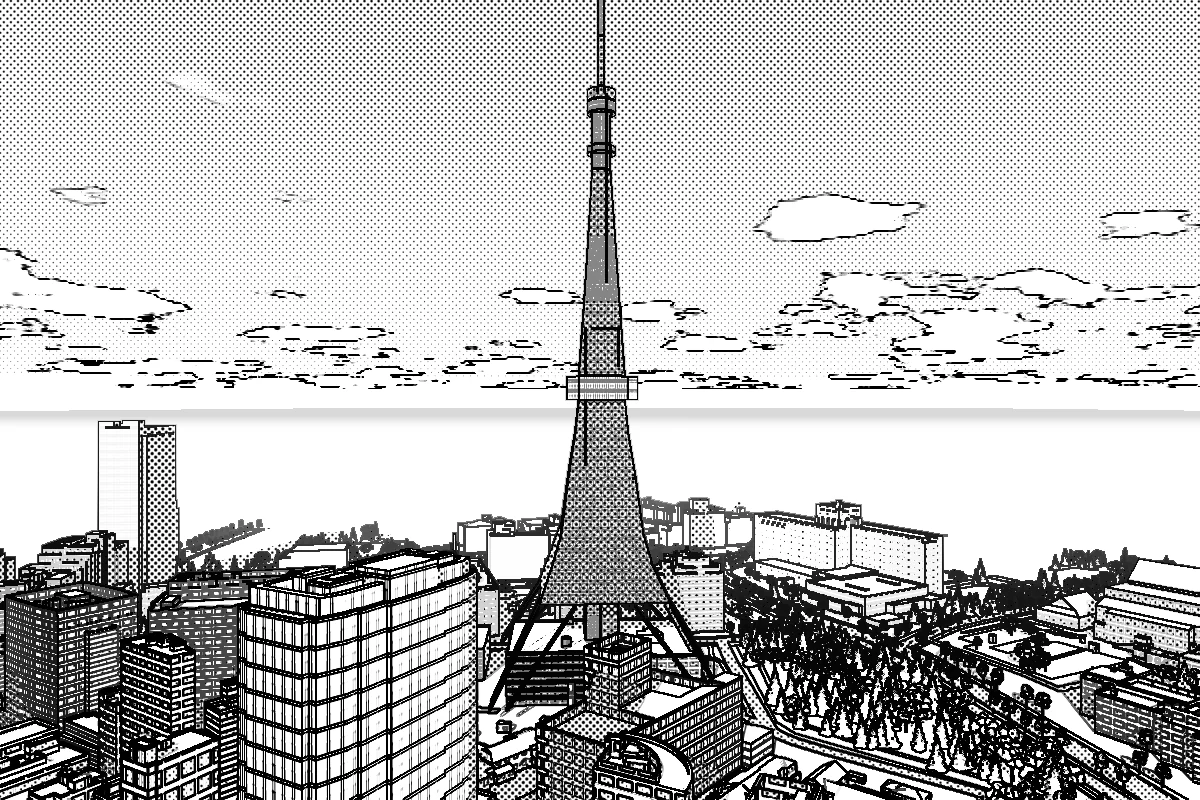
Type a place name and real streets become manga or anime backgrounds.
Details ↓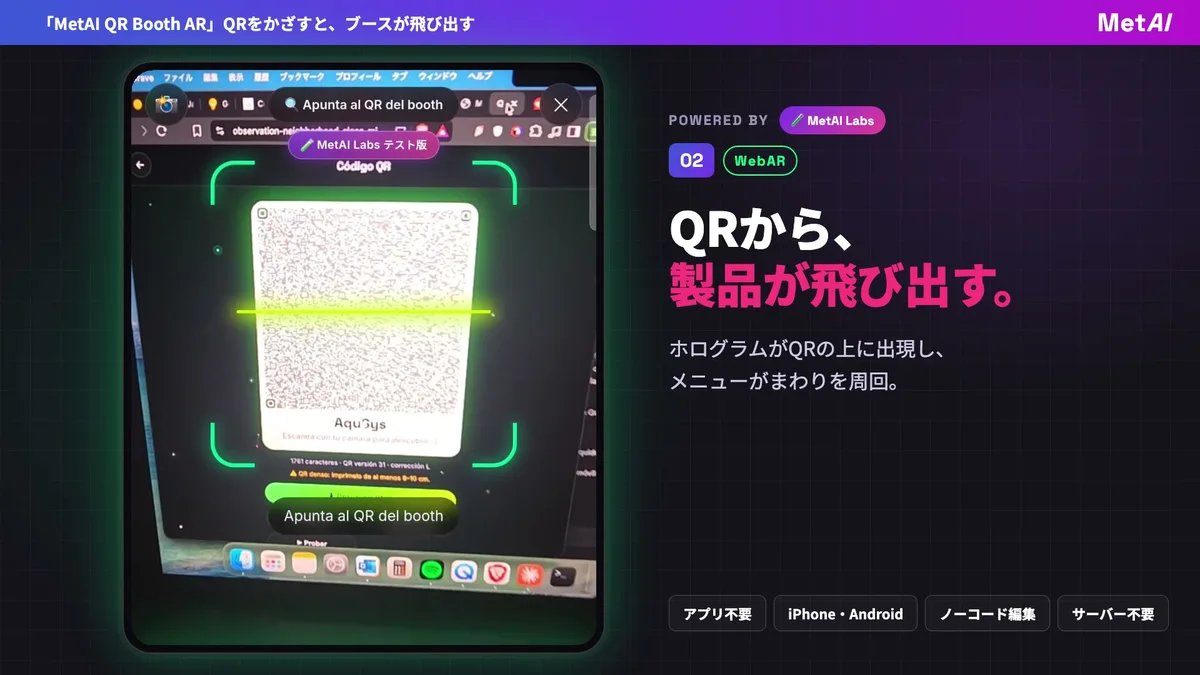
Point at the QR and a product hologram with a menu jumps out.
Details ↓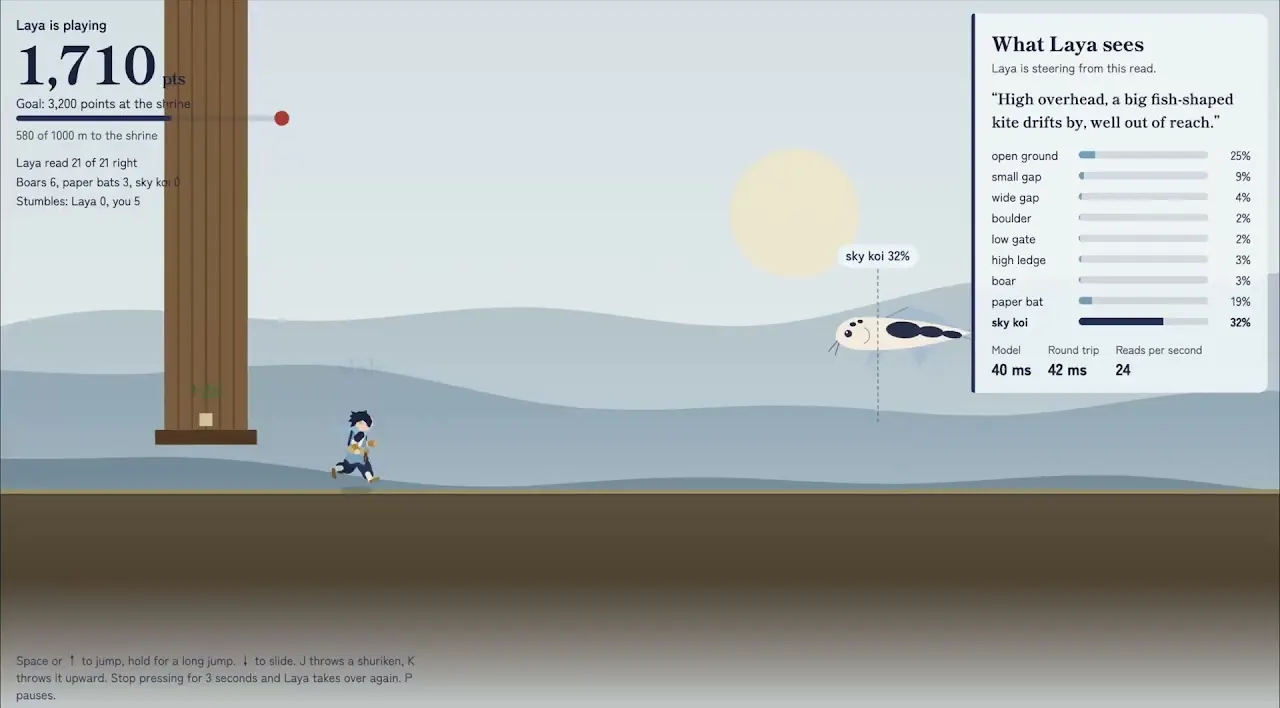
A mini-game where AI reads your moves on the spot.
Details ↓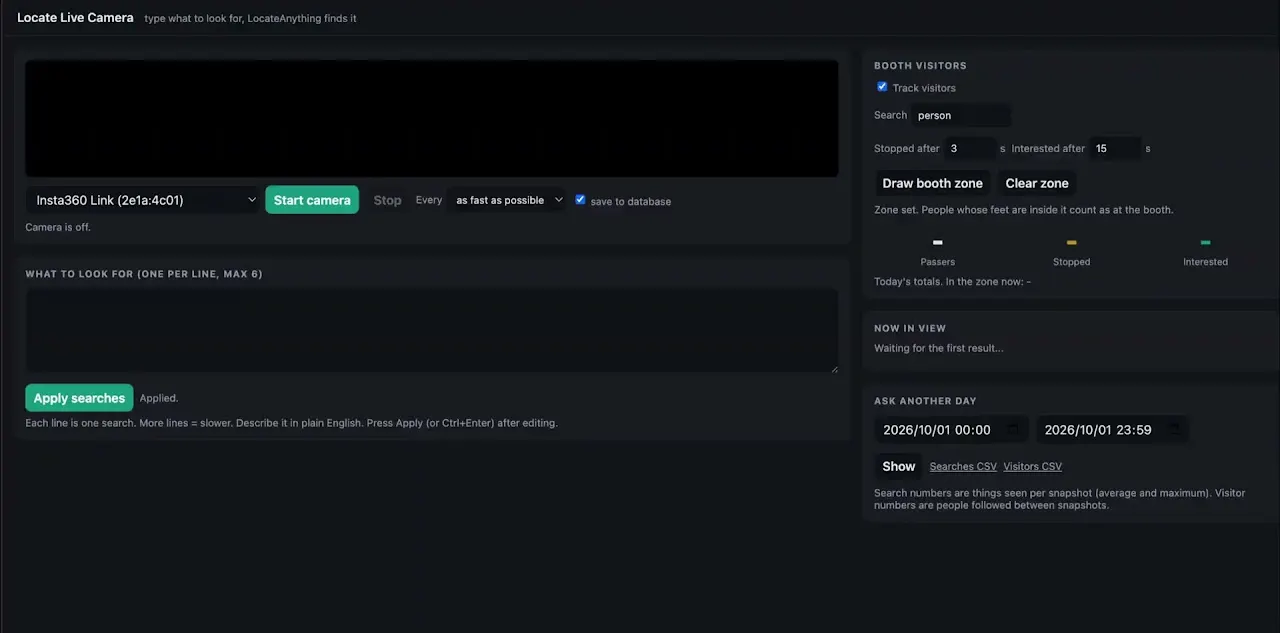
Sorts people at your booth into passed, stopped and interested.
Details ↓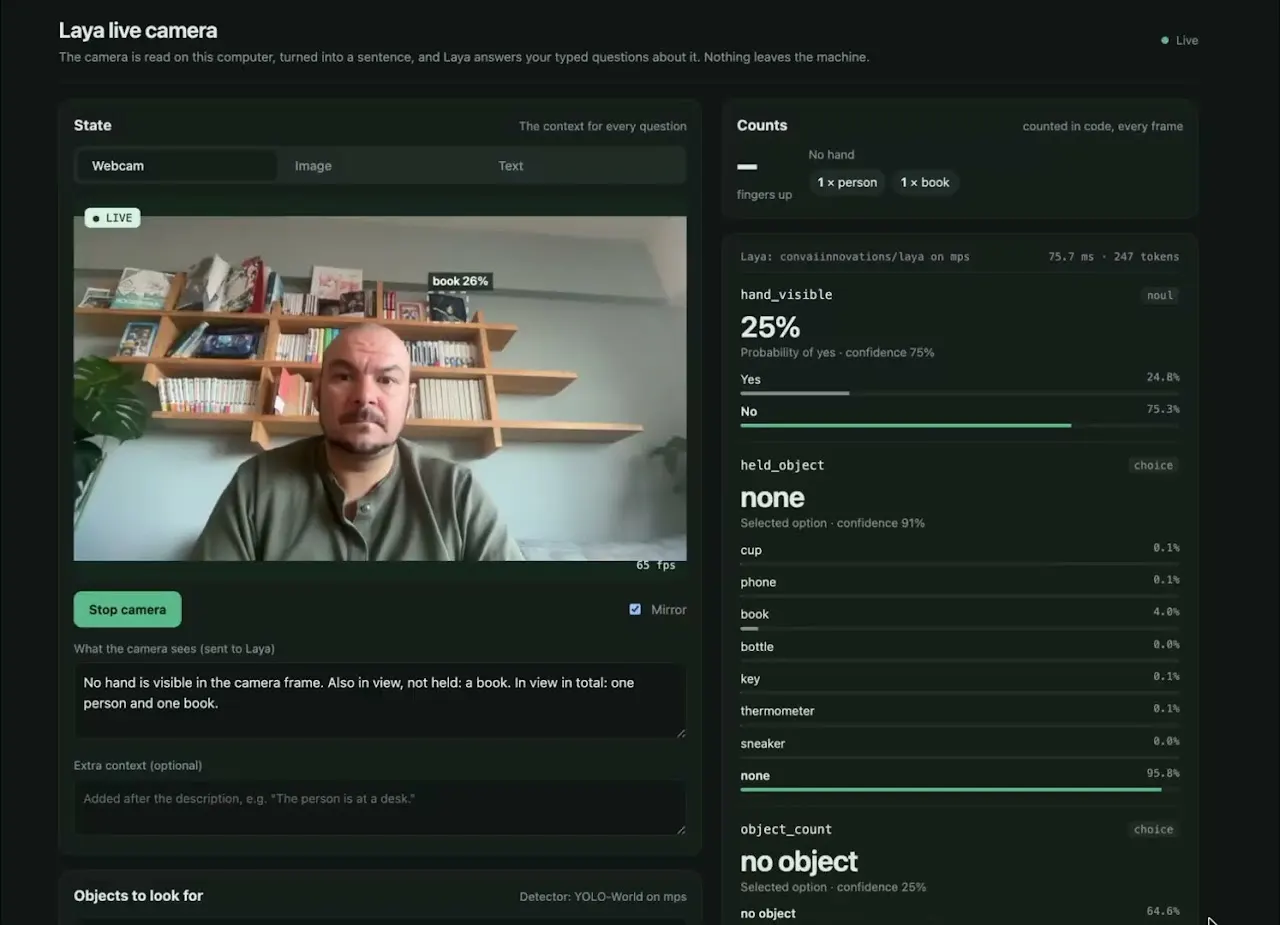
Detects and counts hands, objects and people — and answers questions.
Details ↓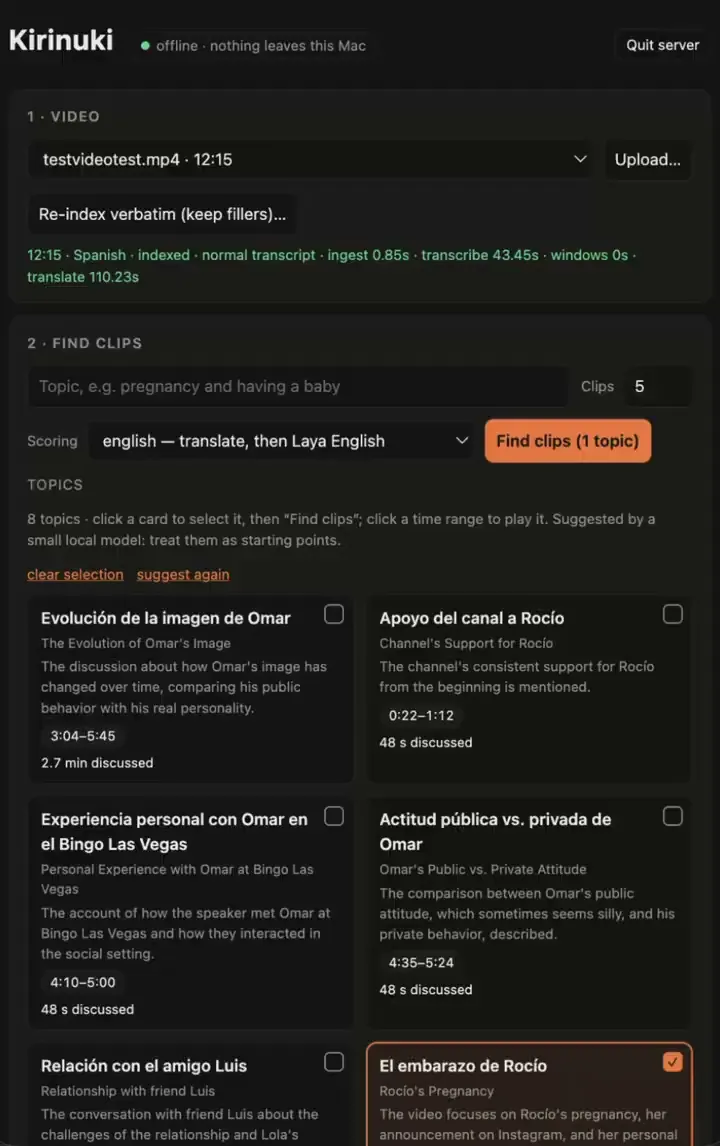
Turns long talks and streams into topic-based clips.
Details ↓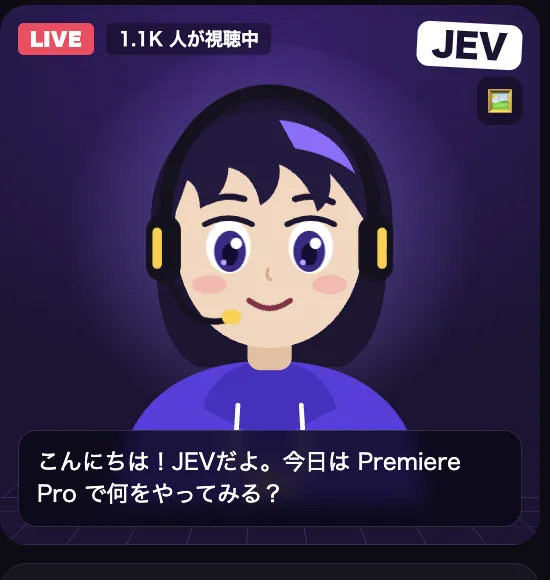
Just ask — the button you need lights up.
Details ↓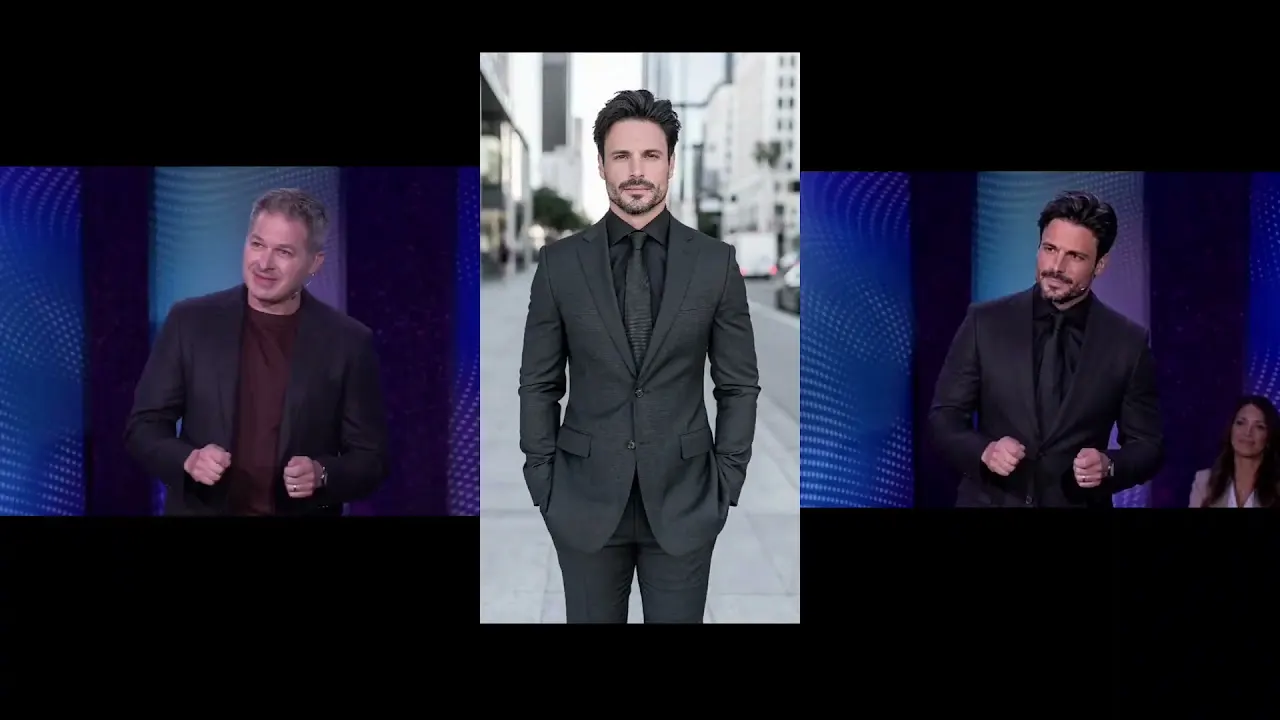
Keep the footage, swap only the person for a character.
Details ↓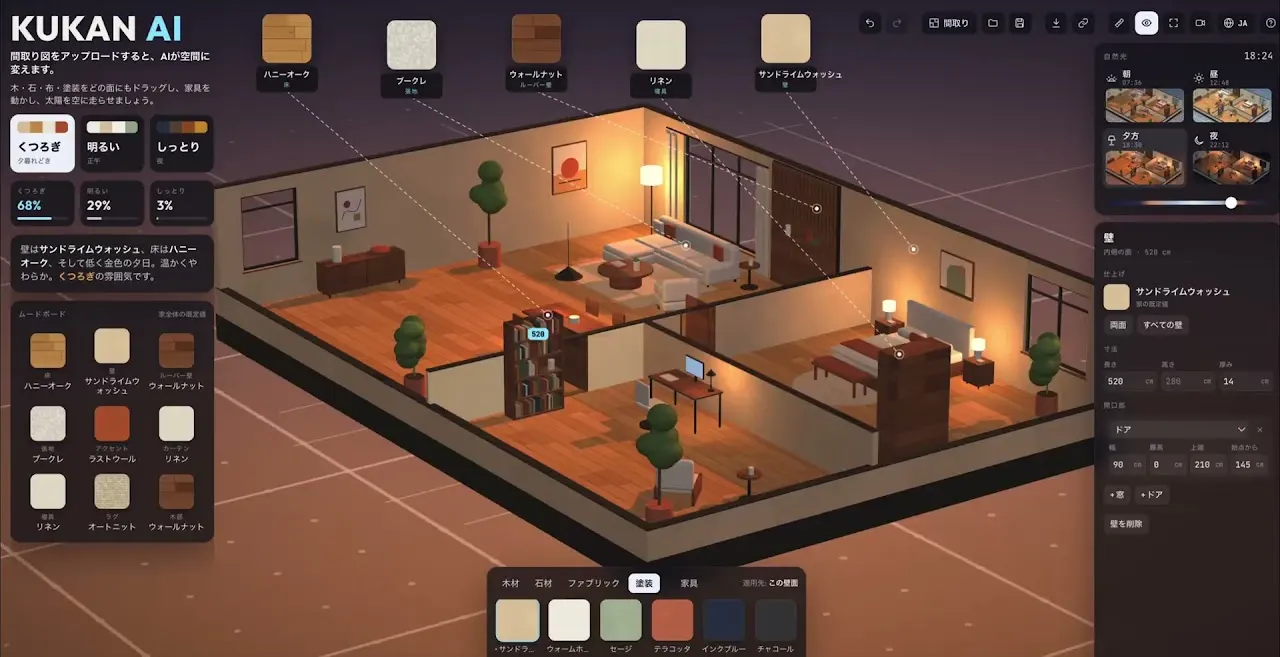
Upload a floor plan and get a 3D space.
Details ↓
Preview any design as a holographic sticker.
Details ↓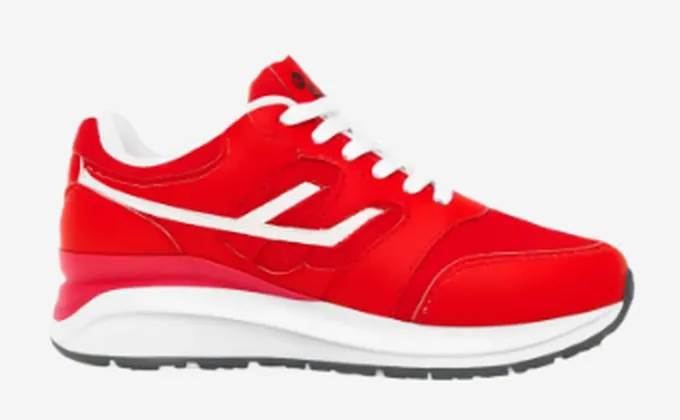
One product photo becomes a 360° spin.
Details ↓
A manga reader: cover when folded, full spread when open.
Details ↓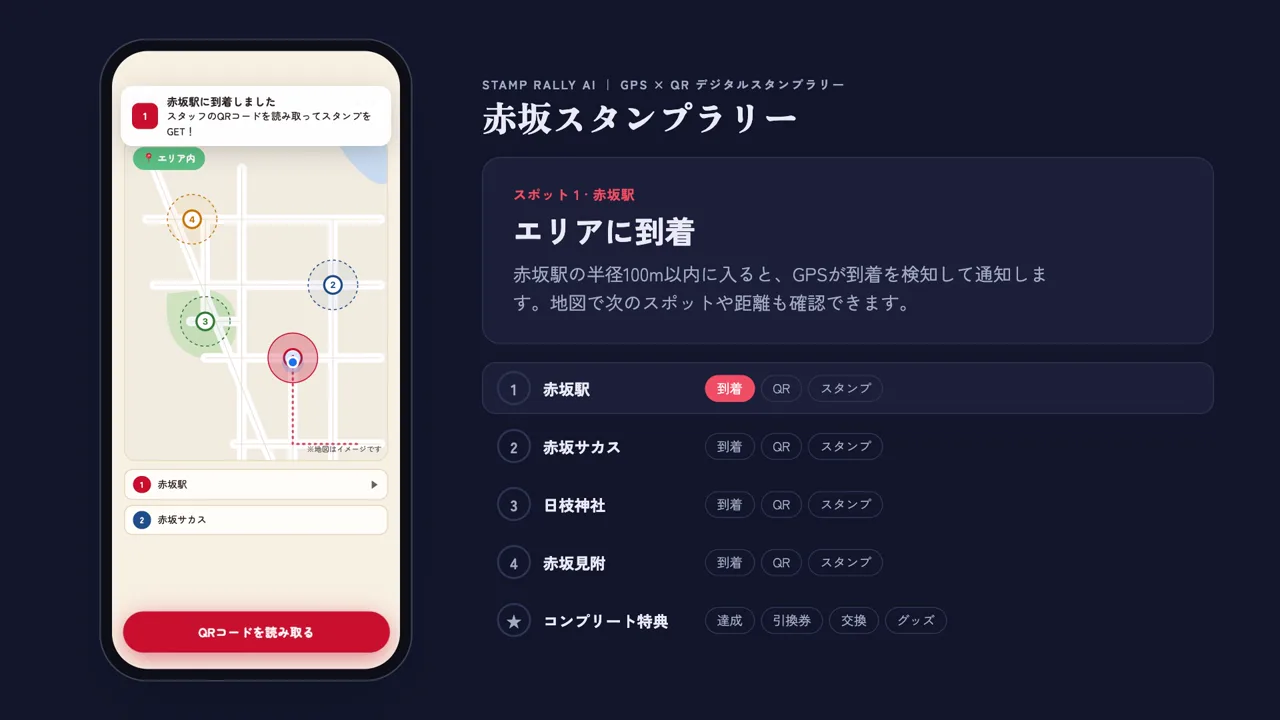
A digital stamp rally that runs in any phone browser.
Details ↓Red-pen your press release before it goes out.
Load a press release and Shuire shows how its headline will look in a distribution site’s listing (only about the first 45 characters are read), then runs 20 automatic checks on the headline, lead, body and risky claims. Claude reviews it like an editor — quoting your text to explain what works and what to fix — and suggests headlines and a rewrite that keeps the same facts. Compare before and after side by side with scores; any figure that changed in the rewrite is flagged. Import from Word, PDF, text or a URL, and save as Word.
Hand over your draft — your PR TIMES entry is done.
Send your Word or Google Docs draft and images, and AI enters them into the PR TIMES editor exactly as written — title, headings, bold, lists, tables, images and links. AI only goes as far as the draft: you always decide whether to publish, and you enter your own password. A release of about 4,000 characters with 13 headings, 3 tables and 8 images went from a single Word file to ready-to-publish.
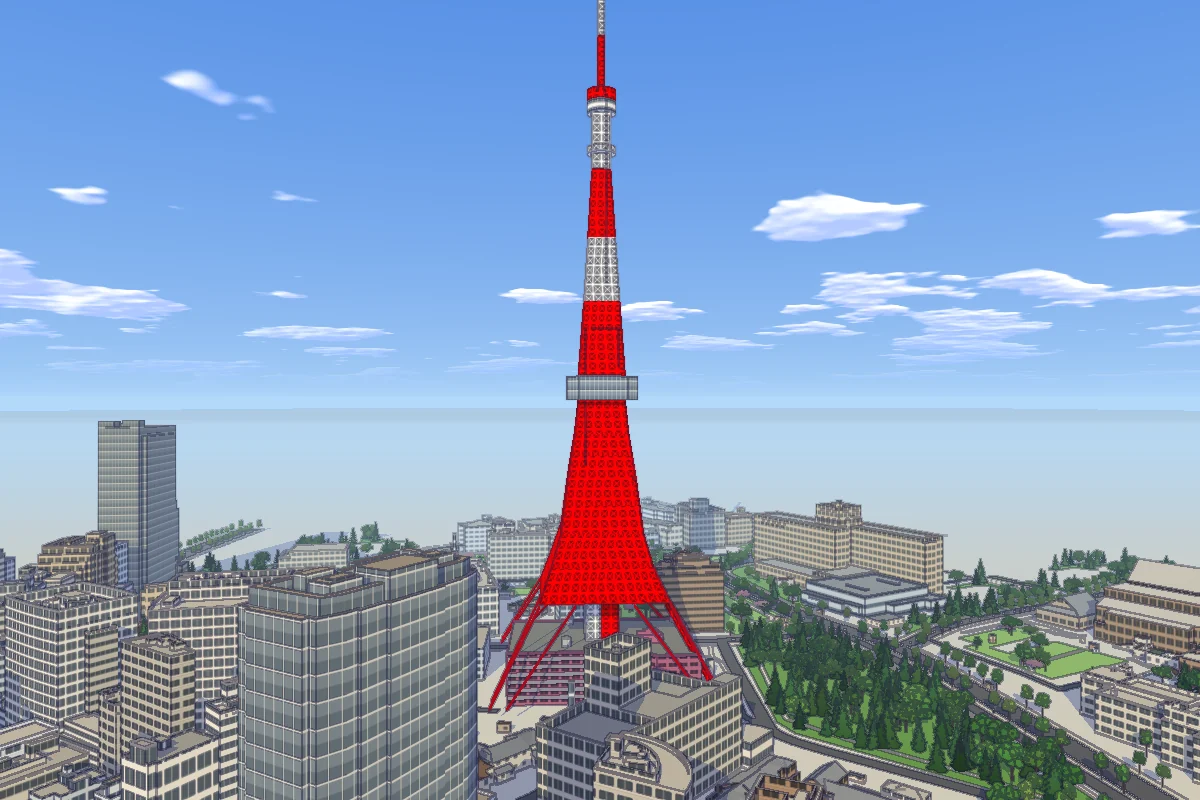
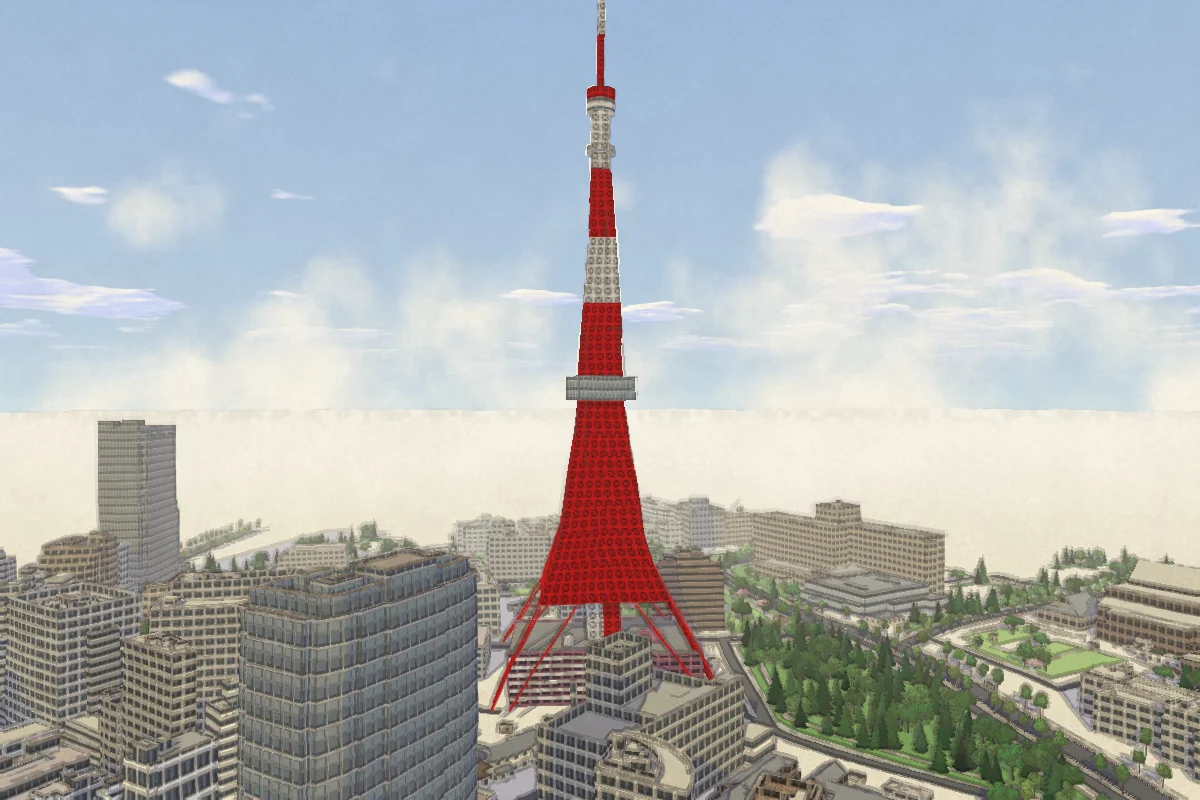

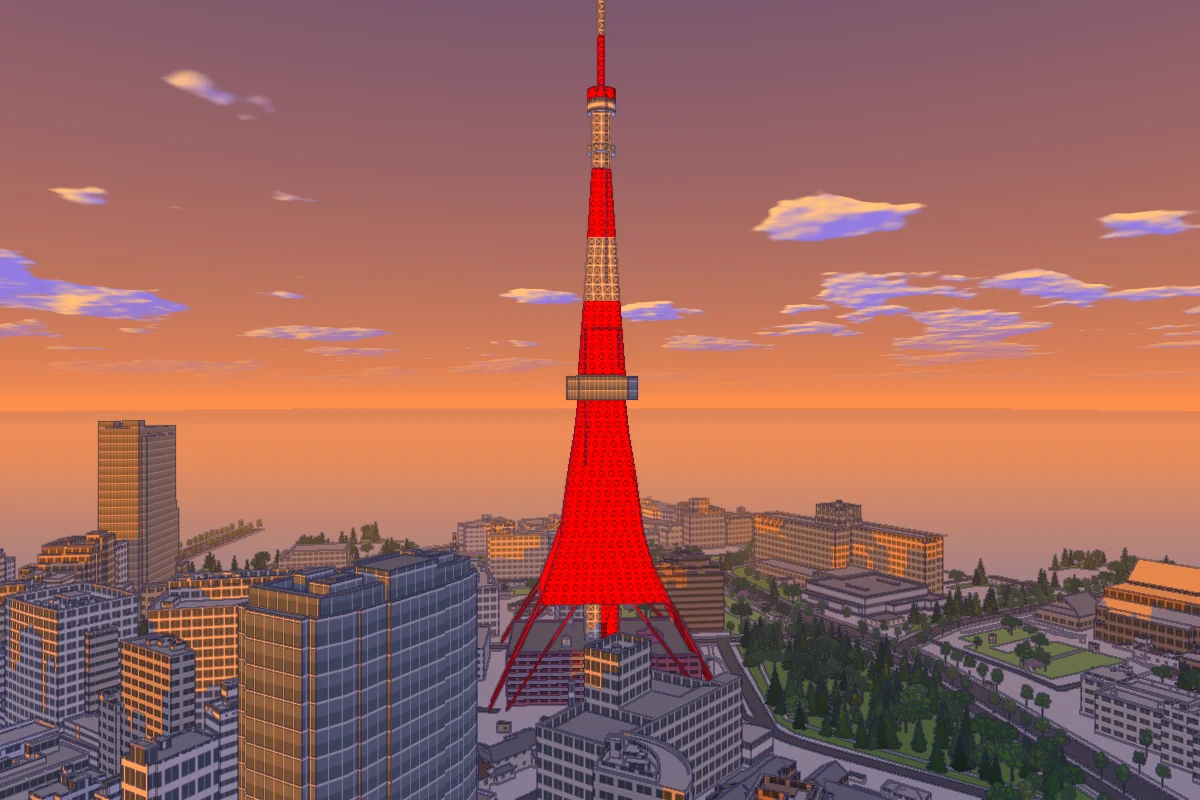
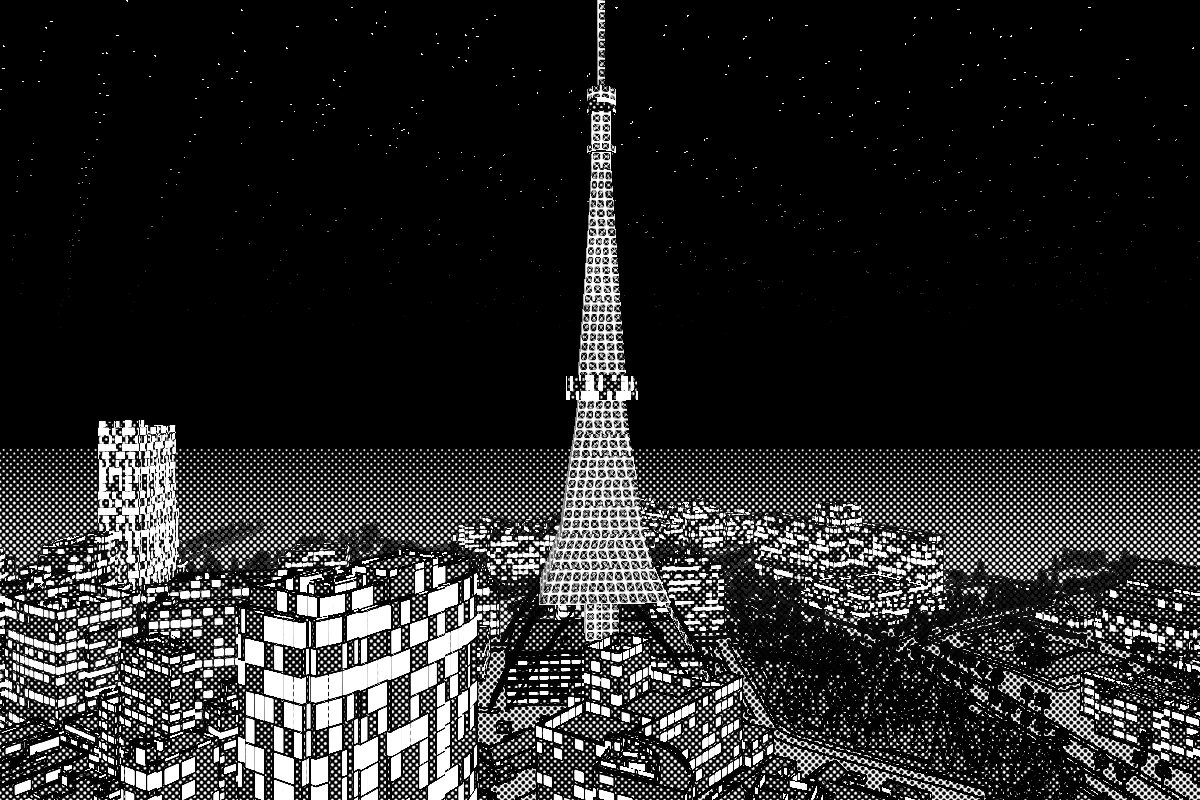
Type a place name — get a finished manga background.
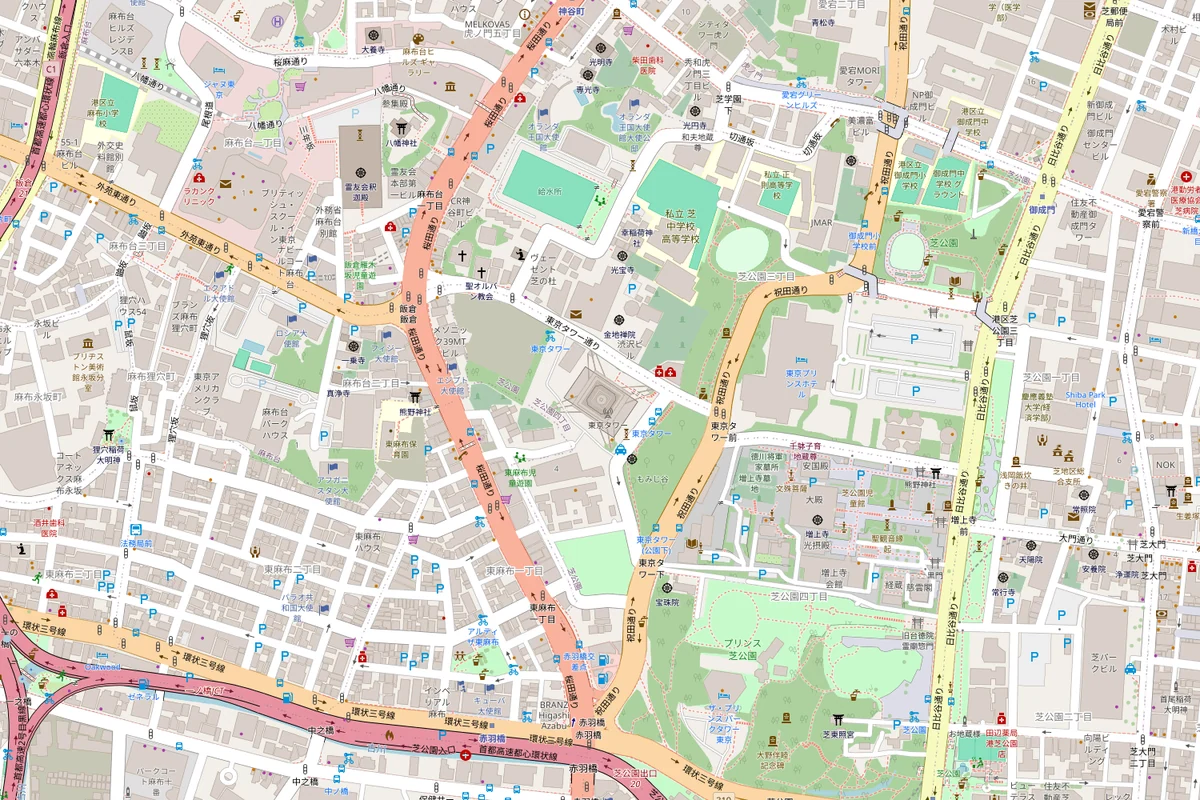
Enter a place name or coordinates: it builds the real streets in 3D from OpenStreetMap and Japan’s PLATEAU city models, then draws them with line art, screentone and solid blacks. Eight styles — manga, anime, watercolor, pencil, pixel art and more — and morning, day, evening or night light in one click. The sun is placed for that spot and date, so shadows fall the right way. Pick your angle and export a high-resolution PNG. Try switching styles below.
- Landmarks like Tokyo Tower rebuilt in 3D
- Surveyed 3D in Japan (PLATEAU), anywhere else via OpenStreetMap
- Cuts background drawing and location scouting time
Map data © OpenStreetMap contributors / 3D city models: MLIT Project PLATEAU
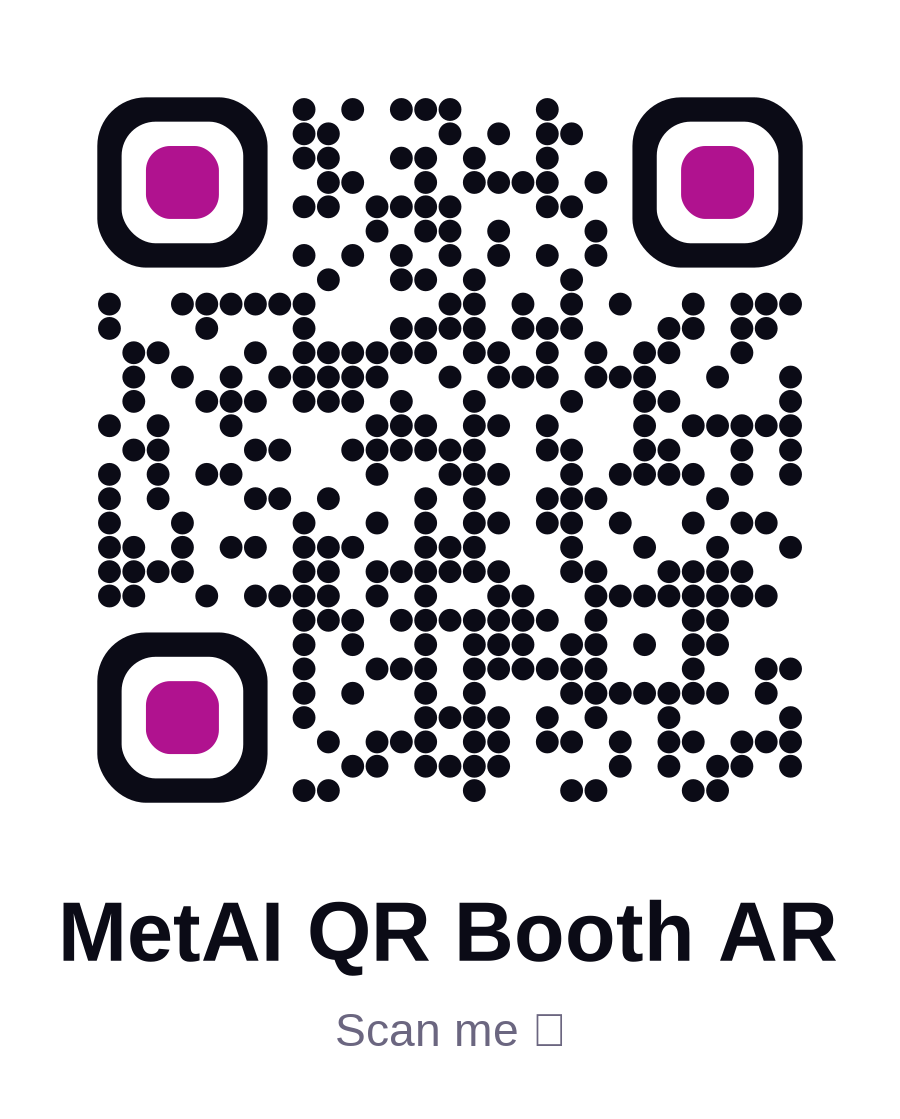
Tap the icons around it. In the real app, this appears in AR when you point your phone camera at the QR.
Tap to start the show — take a photo with the hologram and share it straight to social media.
Product highlights appear in a panel over the camera view — no booth staff needed.
Switch between tabs to compare models and specs.
One tap to the product page — nobody has to type a URL.
Download PDF catalogs and white papers on the spot — and print fewer flyers.
Straight to the shop, the contact form or a phone call.
* Illustrative demo. Scanning the QR opens this page.
Point at the QR — and your booth jumps out.
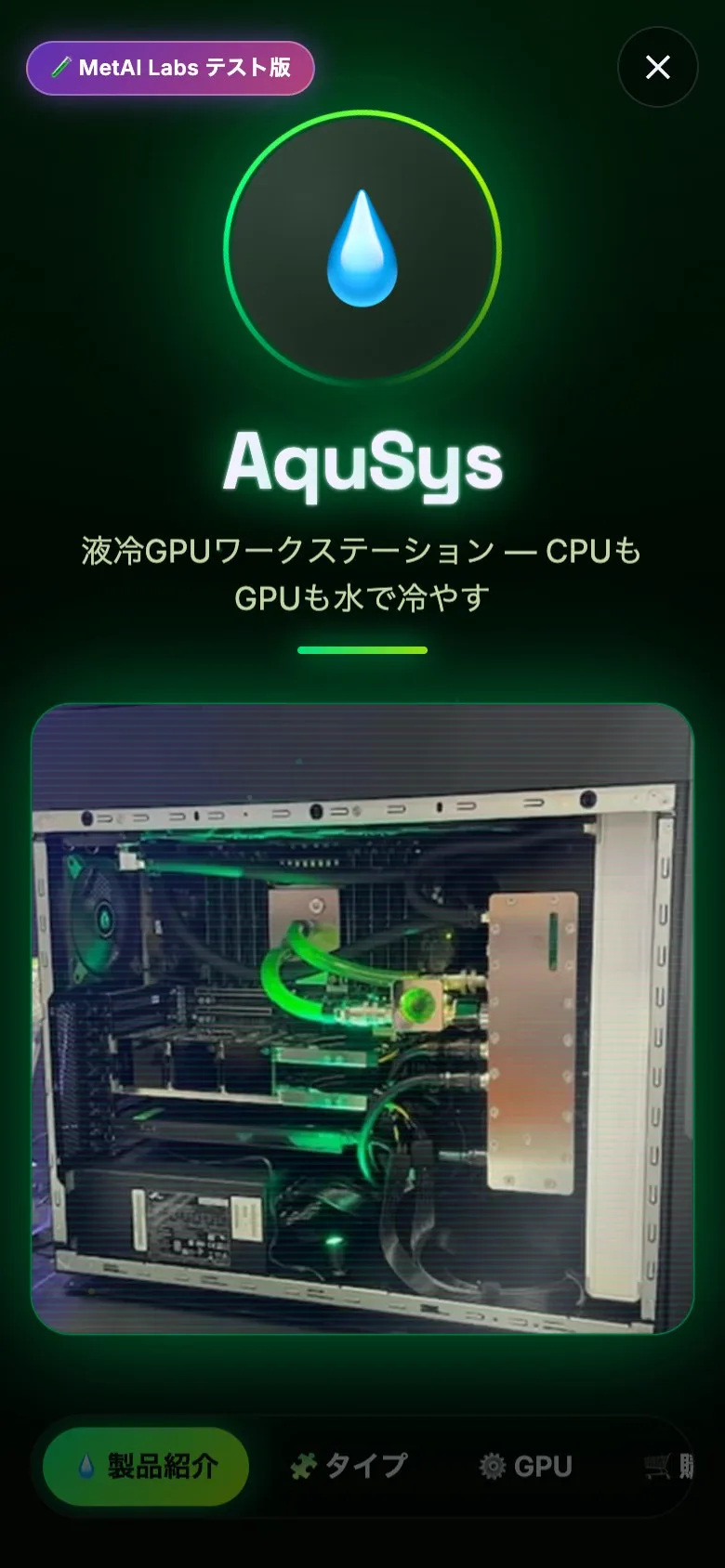
Visitors scan a QR on a poster or panel with their phone’s normal camera: a product hologram appears on top of the QR, with a menu orbiting around it — product info, specs, catalog, website and purchase, all one tap away. No app to install and no server. Edit content, colors and effects without code and use it at trade shows or in stores right away.
- AR effects that stop people in their tracks
- Booth data lives inside the QR — no server
- Proven with GDEP Solutions’ AquSys
AI that decides on the spot — no cloud.
The game describes what’s ahead in one sentence; our local model “Laya” reads it with probabilities and decides to jump or slide — in milliseconds. Watch in AI mode, or play yourself: tap / space to jump, tap the lower half to slide.
Automatically sort people in front of your booth into three groups.
Draw a zone on the floor; the camera tracks people and times how long they stay, sorting them into passers-by (<3 s), stoppers (3 s+) and interested (15 s+). No face recognition, no video stored. In stores it also records routes from entrance to checkout. The simulation shows the idea.
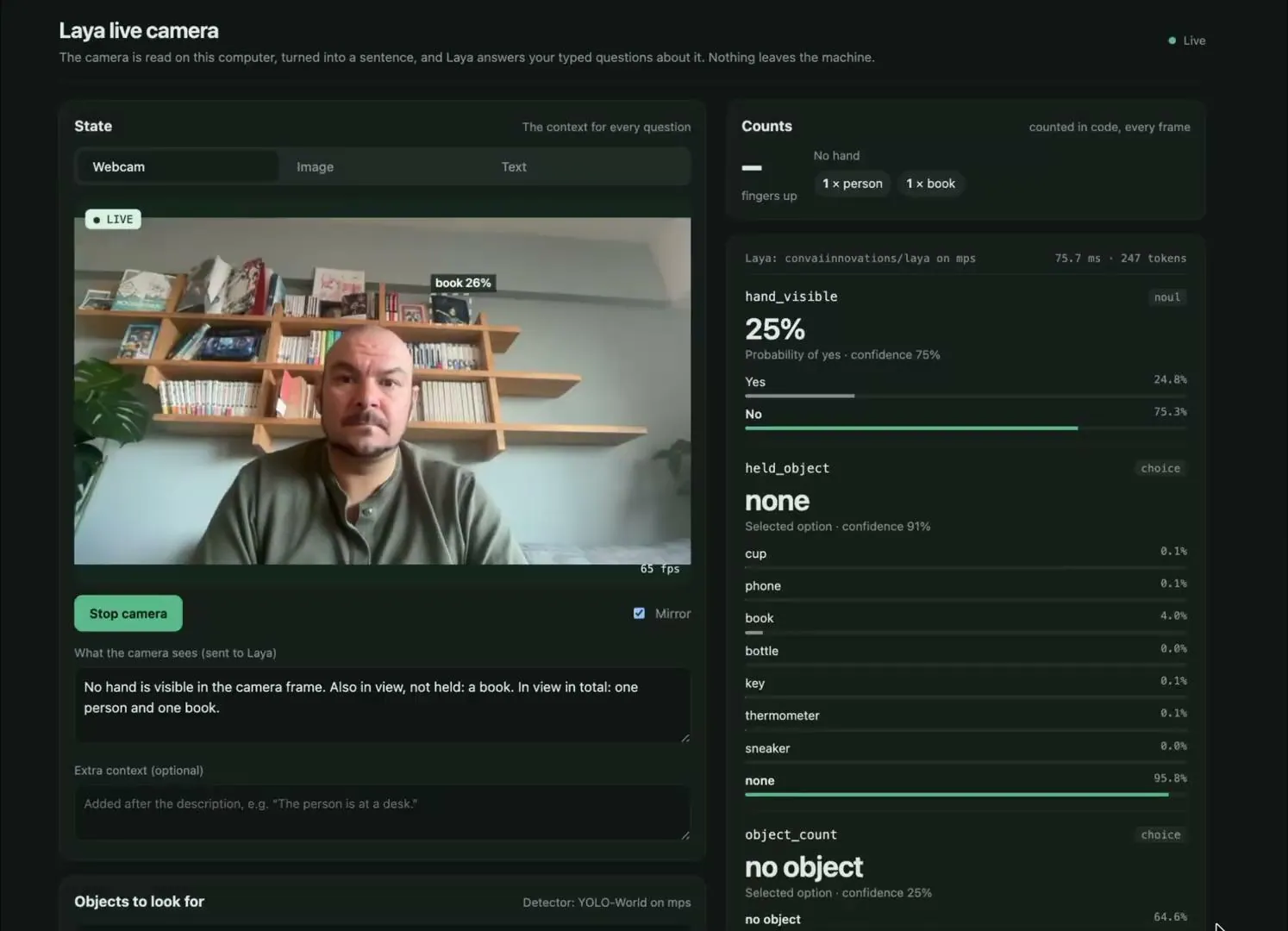
The camera counts — and answers when you ask.
Detects hands, objects and people on the spot — finger counts, items by type, headcount, dwell time, clothing and belongings — and answers questions like “How many people came this morning?”. Add objects just by typing their name. Video never leaves.
Pick a topic — get a finished clip.
Feed in a long talk or stream: Laya understands it, splits it by topic and lists each with its length. Choose a topic and format (vertical or horizontal) and get a subtitled social clip — split by speaker for group talks. Saves hundreds of editing hours a month. Click a topic, then play.
Just ask — the button you need lights up.
An AI virtual human, “JEV”, guides you through software like Adobe Premiere Pro in real time. Ask by voice or text and it highlights the button to press in yellow, with arrows for drags. Swap in your own character and cloned voice. Try the questions below (simulation).
Keep the footage — swap only the person.
One character image replaces the person in a video — motion, camera, background and audio stay. Shoot with a stand-in, create mascot dance videos, or let event visitors become characters. *For footage with the performer’s consent and characters you hold rights to.
Upload a floor plan — get a 3D space.
AI turns a floor plan into 3D instantly. Edit room sizes, doors, windows and furniture, drag materials onto walls and floors, and slide between morning, noon, evening and night light — during the meeting, with your client.
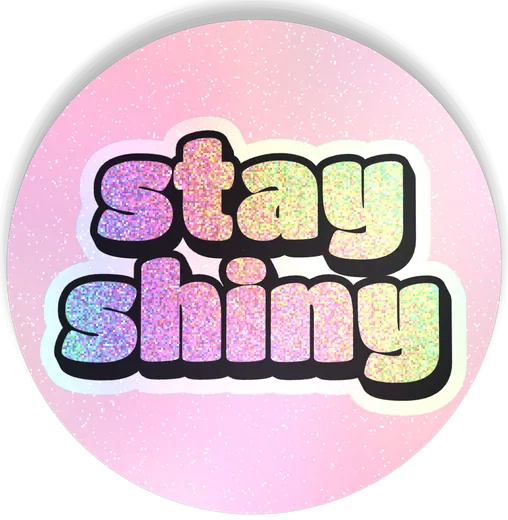
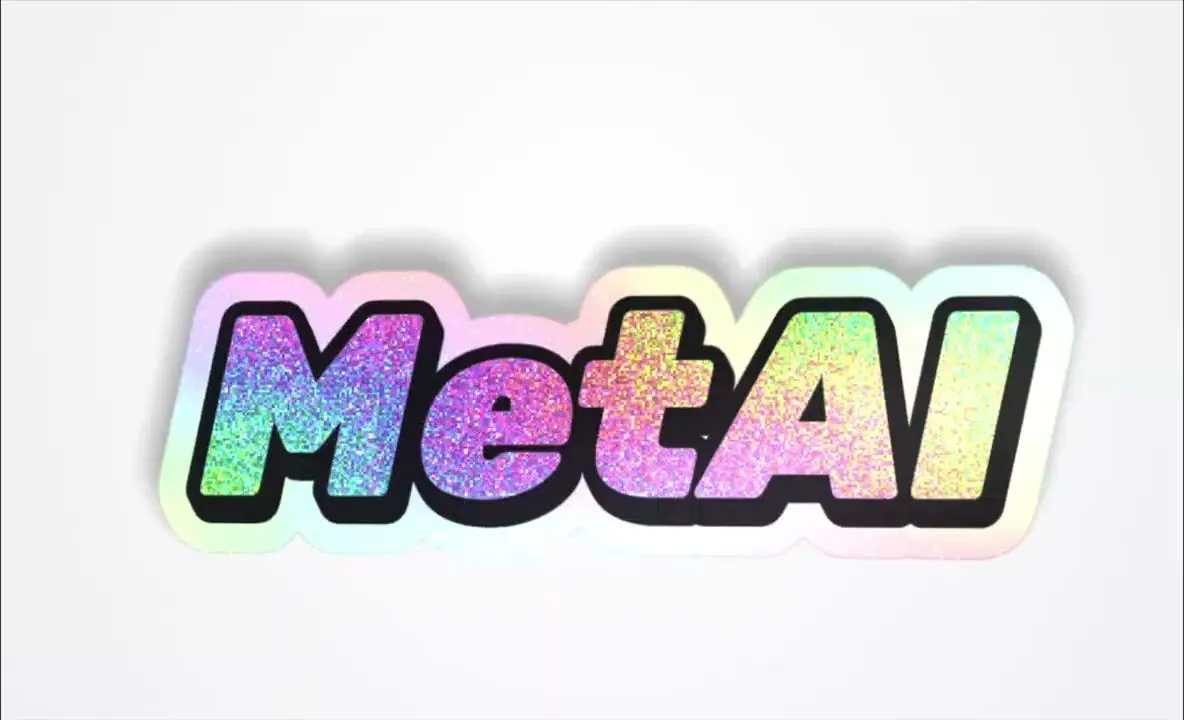
Upload a design — see it shine as a holo sticker.
Choose die-cut, holo, color or clear backgrounds, check a realistic tilt-to-shimmer preview, and export a 300 dpi print-ready PNG sized in cm/mm. Laya AI even suggests fonts and colors. Hover (or drag on mobile) over the stickers to tilt them.
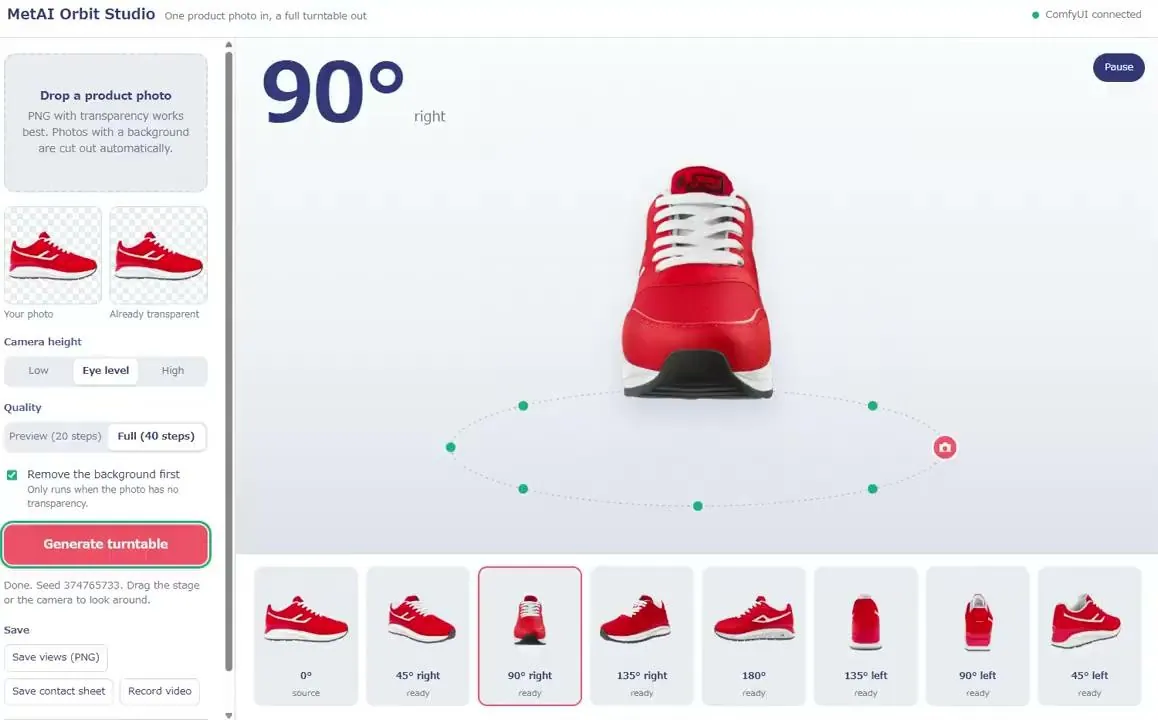
One photo — and your product spins 360°.
AI removes the background and generates eight views at 45° steps — choose low, eye-level or high camera. Export transparent PNGs or a spin video for e-commerce, catalogs and shows. No turntable, studio or 3D modeling.
Closed, it’s a cover. Open, it’s a spread.
A manga reader made for Galaxy Z Fold: panel-by-panel on the cover screen, full spreads when open, paper-like page turns, and tap-a-balloon for original text, furigana, English/Spanish and character voices. Publisher tools for previews, coins and reading data. Use the button to fold and unfold.
Just visit the spot, and the stamp is yours.
A digital stamp rally that runs in the phone browser. At each spot, visitors scan the staff's QR code and the server checks the code and their GPS location together before pressing a hanko-style stamp. Completing the set issues a coupon that can be redeemed once for limited goods. For organizers, AI drafts the spots, texts and prizes in Japanese and English, and writes an analytics report from visitor data.